GCD MODEL
Creating a cinematic web hero with AI-generated footage.
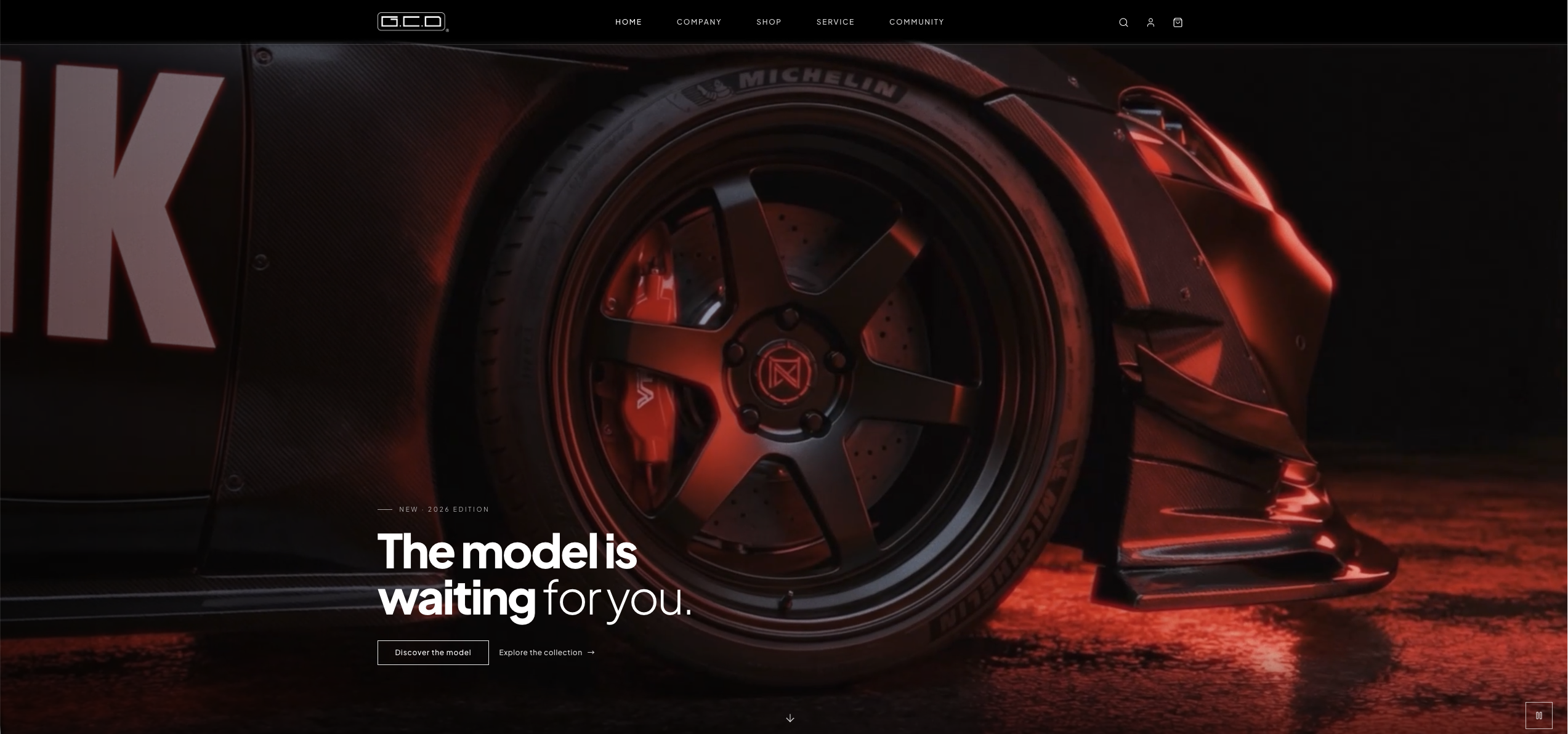
I created the hero film for a precision model website using AI-generated video. The process involved defining the visual direction, describing each shot, testing different generations and editing the selected clips into one continuous sequence with music and sound effects.
Project context
Creating movement for a precision-focused brand
The website needed to communicate precision, speed and mechanical detail within the first few seconds. Static imagery could show the product, but video was better suited to establishing a cinematic atmosphere and giving the homepage a stronger visual identity.
Creative direction
Defining the look before generating the shots
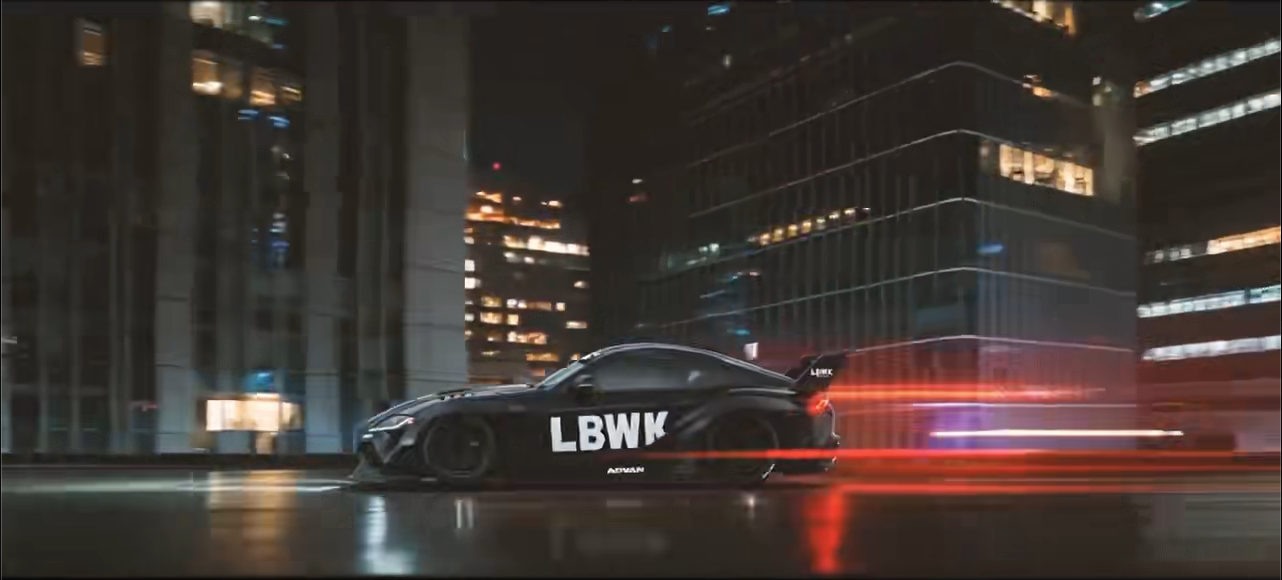
Before generating footage, I defined the visual qualities the film needed to communicate: dramatic scale, close mechanical detail, strong red lighting and controlled product movement. These principles helped keep separately generated clips visually connected.
Shot planning
Turning visual ideas into individual shots
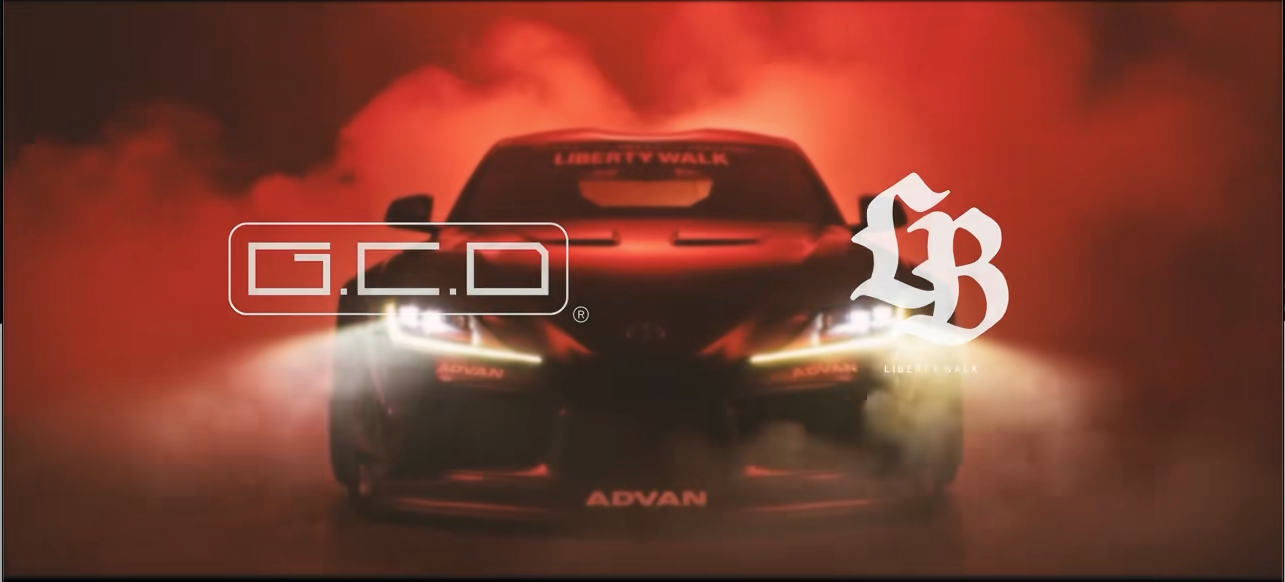
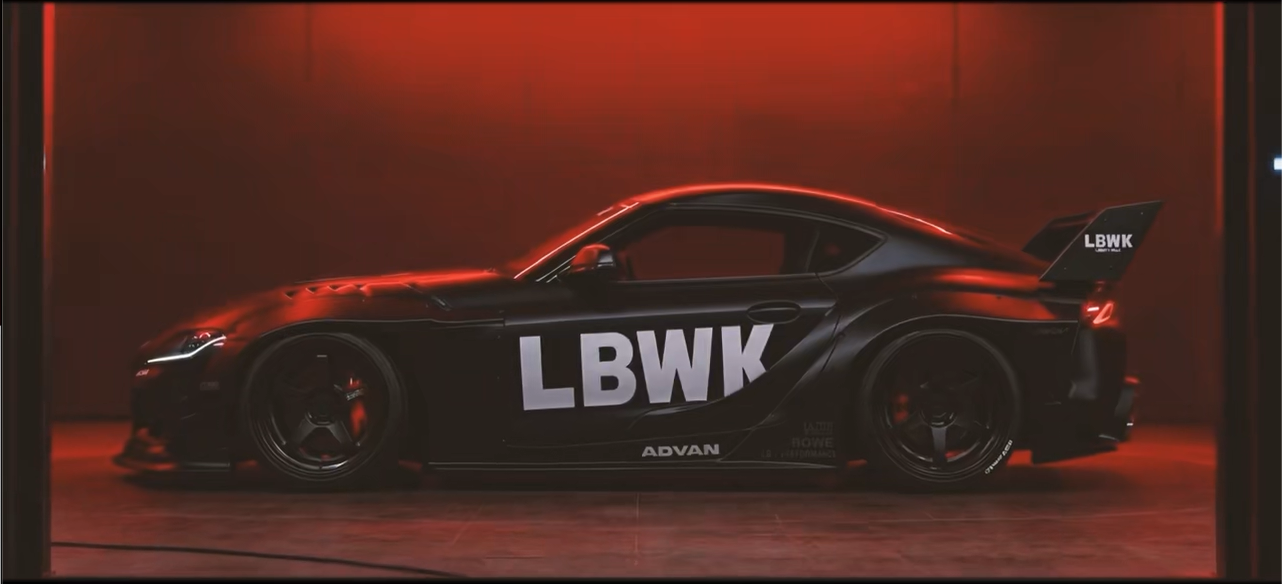
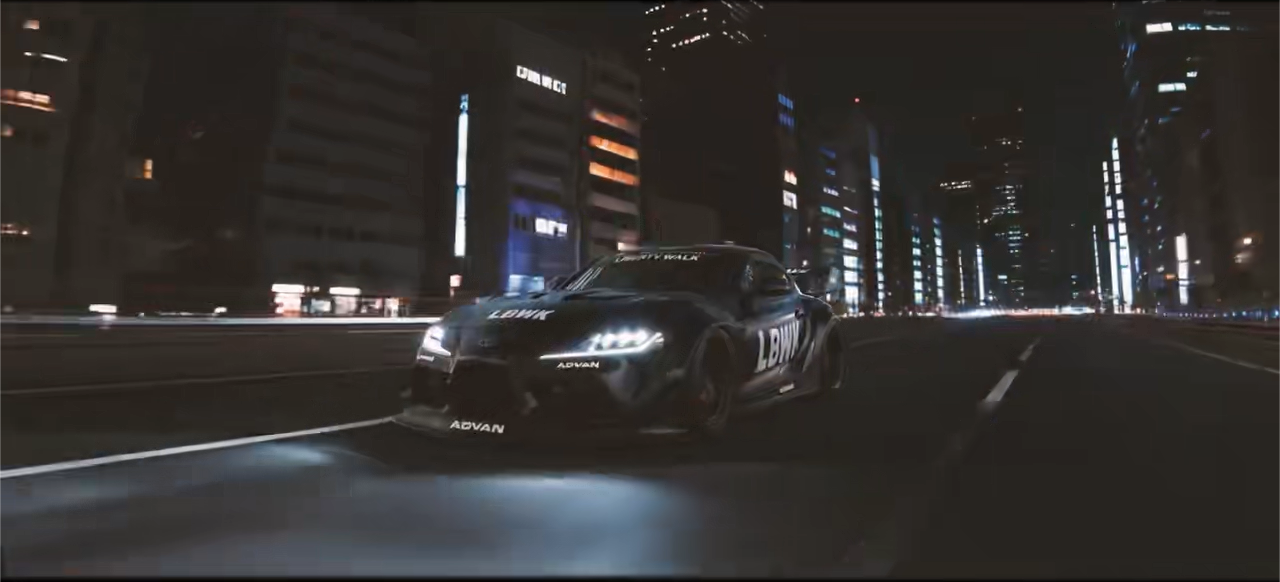
I broke the hero film into a series of short shots. For each one, I described the subject, camera angle, movement, lighting and intended transition before generating different versions.
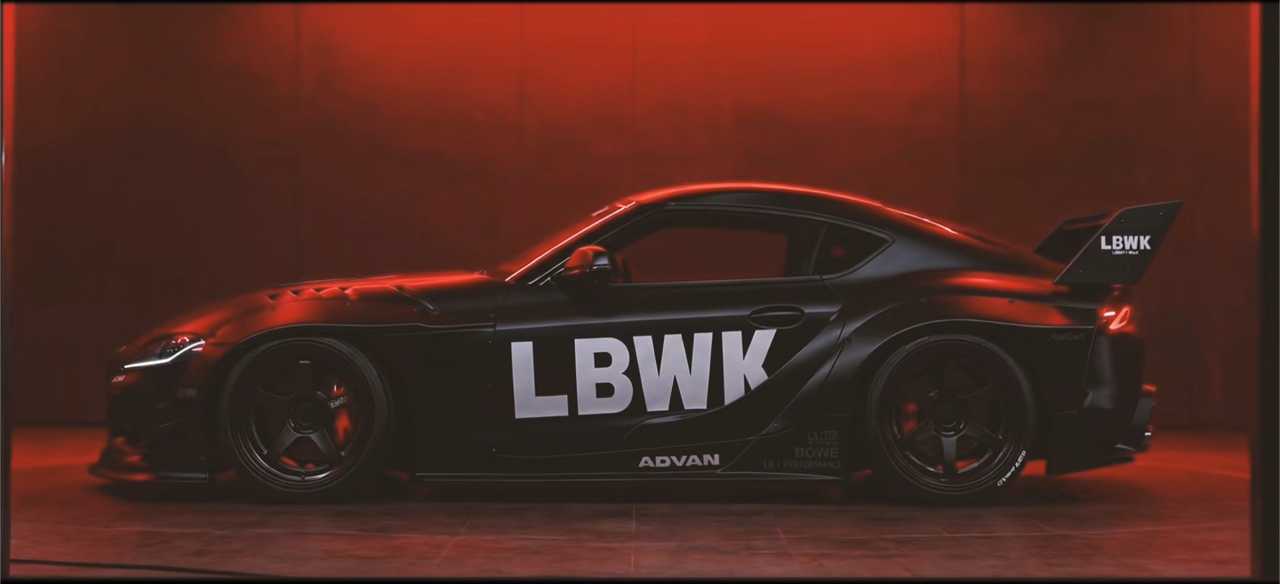
Low-angle reveal
A low camera angle introduces the model with a larger, more cinematic sense of scale.
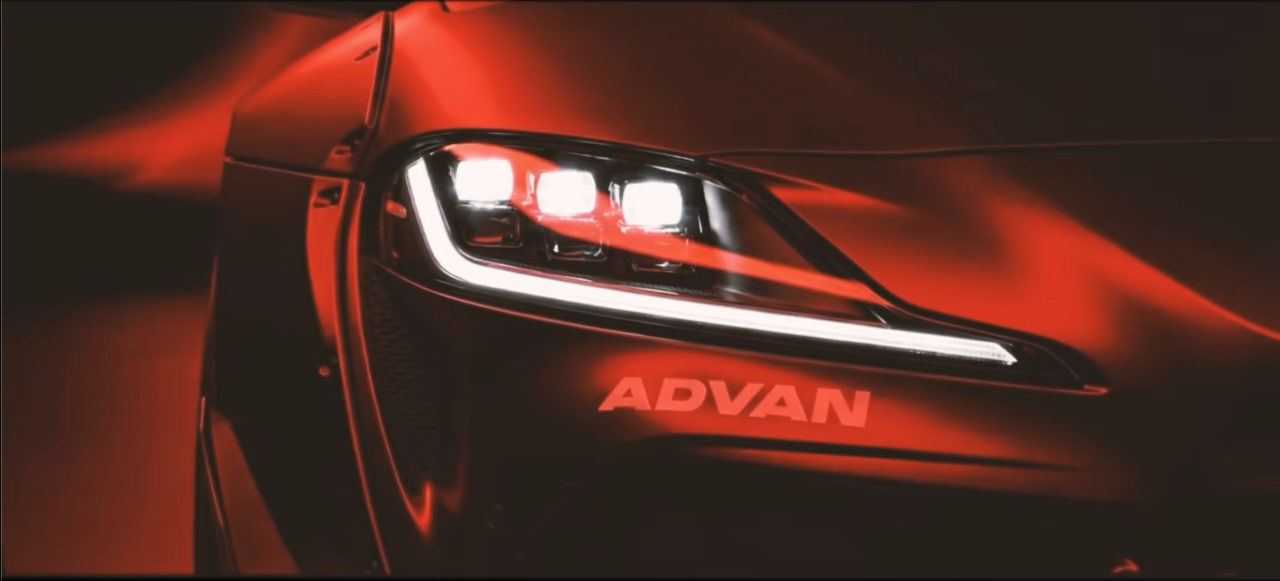
Mechanical close-up
A tight shot focuses on the headlight and surface detail to establish precision.
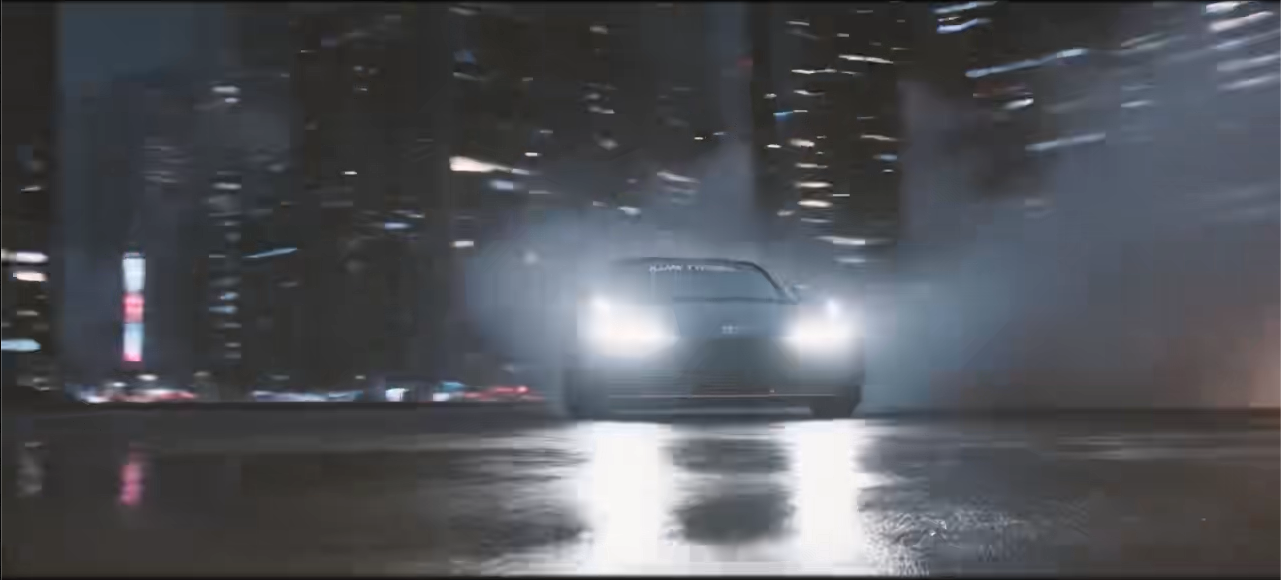
Dynamic movement
A faster moving shot adds energy and creates contrast with the slower product close-ups.
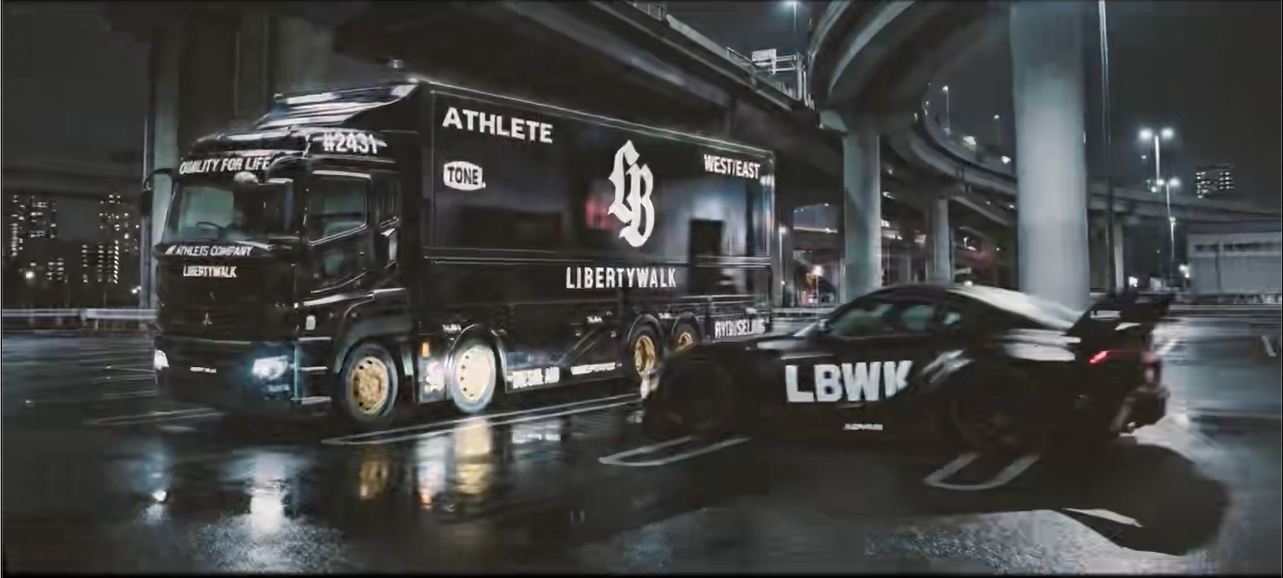
Final reveal
A controlled closing shot gives the sequence a clear visual ending.
AI generation
Describing, generating and refining each shot
The first generation was rarely the final choice. I adjusted descriptions, camera language, movement and visual emphasis across multiple attempts, then selected the clips that best matched the intended sequence.
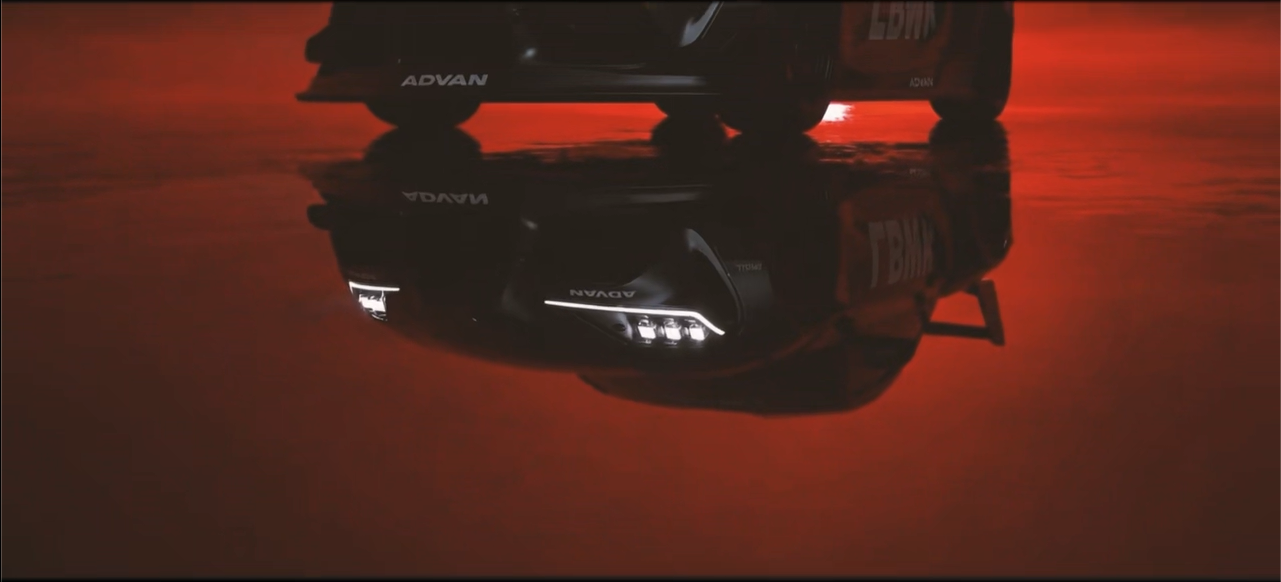
Product close-up
Emphasise the headlight and mechanical surface detail.
Prompt excerpt“A cinematic macro close-up of a red performance car headlight, strong red lighting, dark background, glossy mechanical surfaces and slow controlled camera movement.”
Dynamic camera shot
Introduce more speed and spatial movement.
Prompt excerpt“A low-angle cinematic camera move around a red model car, dramatic perspective, fast but controlled motion, strong contrast and realistic reflections.”
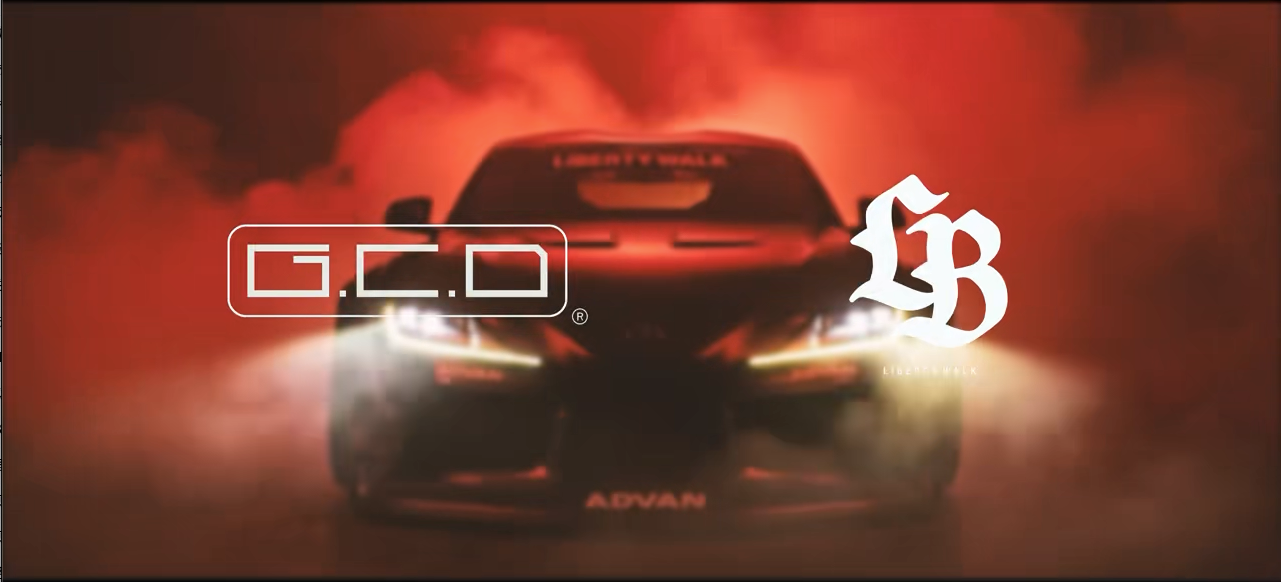
Final product reveal
End the sequence with a clear and controlled product view.
Prompt excerpt“A cinematic reveal of a precision model car emerging from darkness, red directional lighting, smooth camera movement and a clean final composition.”
Editing and sound
Turning separate AI clips into one continuous film
The generated clips were created independently and did not automatically form a coherent film. I edited the selected shots in Premiere Pro, adjusted their order and duration, and used music and sound effects to create rhythm, continuity and impact.
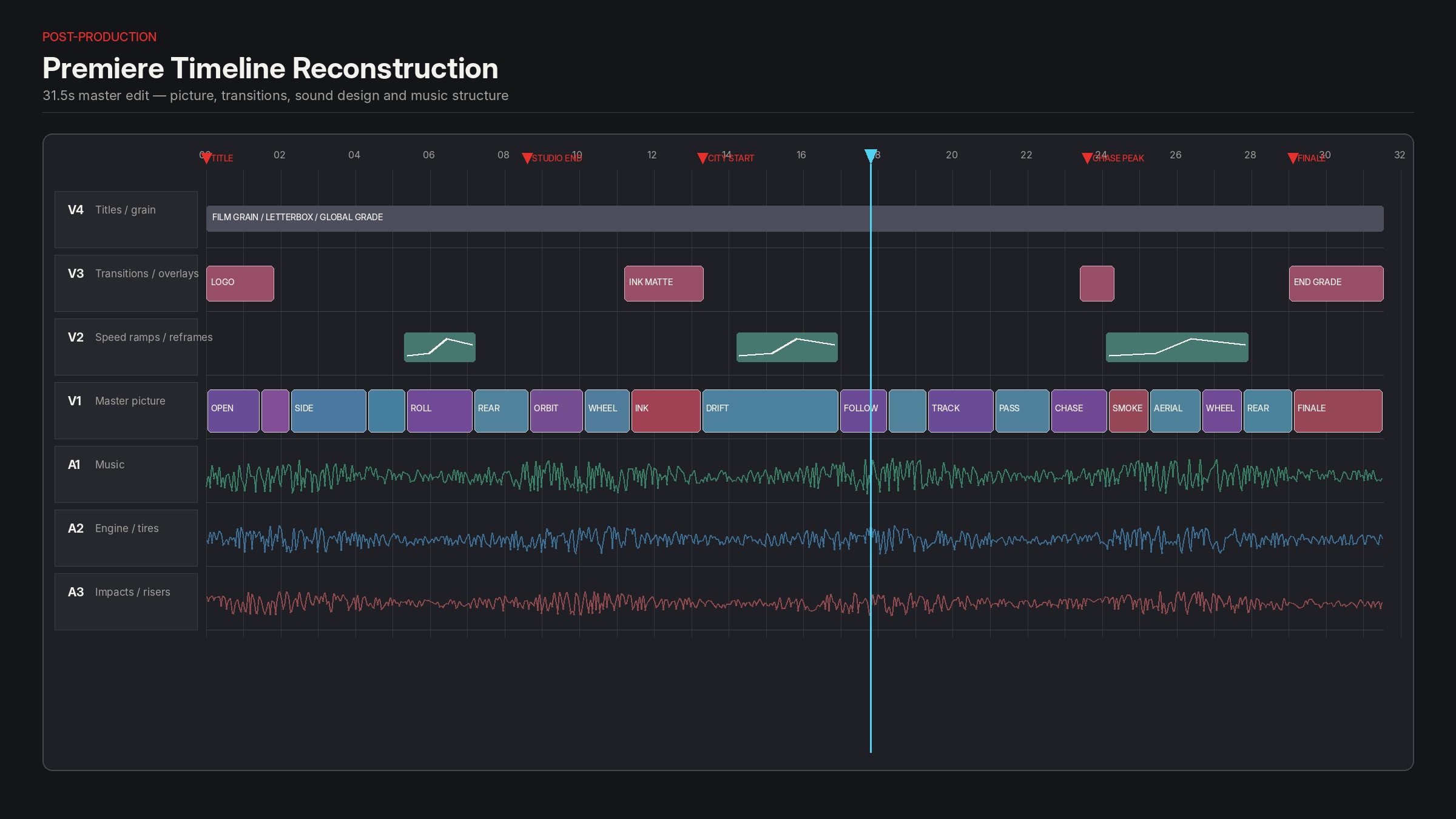
Shot order
Arranging clips so the sequence progresses from detail to movement and final reveal.
Pacing
Adjusting shot duration to create contrast between slower close-ups and faster movement.
Sound effects
Adding mechanical and movement-based sounds to give the visuals more physical impact.
Music
Aligning important visual moments with changes in the soundtrack.
Outcome
A cinematic Hero created from separately generated AI shots
- Created an original Hero film for the GCD Model website.
- Developed individual shots through AI descriptions and repeated generation.
- Combined separate clips into a coherent sequence in Premiere Pro.
- Used editing, music and sound effects to strengthen the final website experience.
Reflection
Creating continuity from separate outputs
The main challenge was not generating individual clips, but making them feel like parts of the same film. Clear shot descriptions helped guide each generation, while careful selection, editing and sound were essential for creating continuity between outputs that had been produced separately.
AI generated the individual shots, but editing turned them into a film.
GCD Model
Visit live experience ↗